
Newly Hired Teachers: Summary
The Summary page details counts of newly hired teachers by employment status and certification type. By reviewing this data, you can identify hiring trends, address staffing gaps, and plan for future recruitment needs.
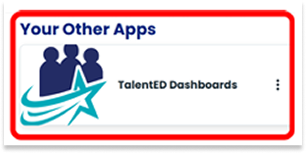
Navigate to the TalentED Dashbaords
-
Share the technical administrator’s name, email address, and phone number with The Exchange.
-
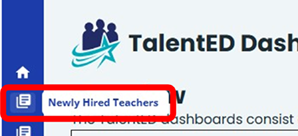
Select “Newly Hired Teachers” from the dashboard Overview list.

-
You may also select a dashboard from the blue margin menu.
-
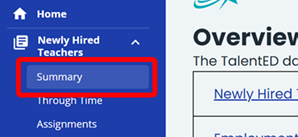
Select “Summary” from the Newly Hired Teachers Dashboard to view data for Newly Hired Teachers by Source and by Certification at Hire.
Filter Newly Hired Teacher
-
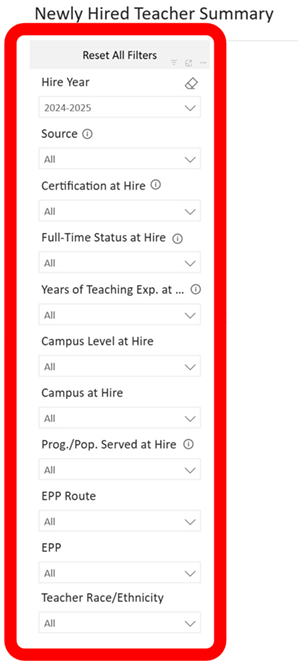
Use the Filter Selection Panel to explore Newly Hired Teacher Data. You will be able to filter data according to:
- Hire Year
- Source
- Certification at Hire
- Full-Time Status at Hire
- Years of Teaching Exp. at a Texas Public School
- Campus Level at Hire
- Campus at Hire
- Prog./Pop. Served at Hire
- EPP Route, EPP
- Teacher Race/Ethnicity
-
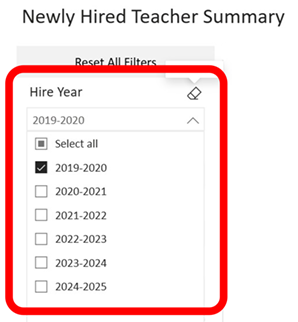
Click the arrow icon on any filter in the Selection Panel to view a list of options for viewing Newly Hired Teacher data.
- Click the box(es) next to the options you want to view. Multiple boxes can be selected at one time. You can also click “Select all”.
- To clear a selection, uncheck the checkbox or click the eraser icon to clear all the checkboxes in that filter.
- To start over, you can click the “Reset All Filters” button. This will clear all selections that have been made in the Filter Selection Panel.
-
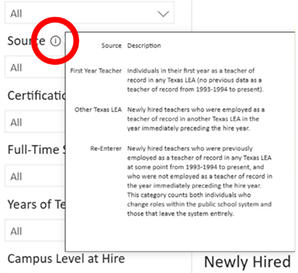
Hover the cursor over the “information icon” to view a detailed description and information about that filter.
View Newly Hired Teachers by Source
-
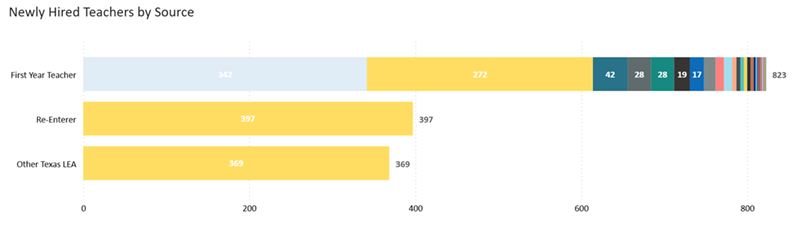
The first visualization under the Summary Tab is titled “Newly Hired Teachers by Source.” The bar graph indicates the number of newly hired teachers that are first year teachers, a re-enterer, or entering from other Texas LEAs. Use the filters along the left-hand side to dynamically change the bar graph’s view.
-
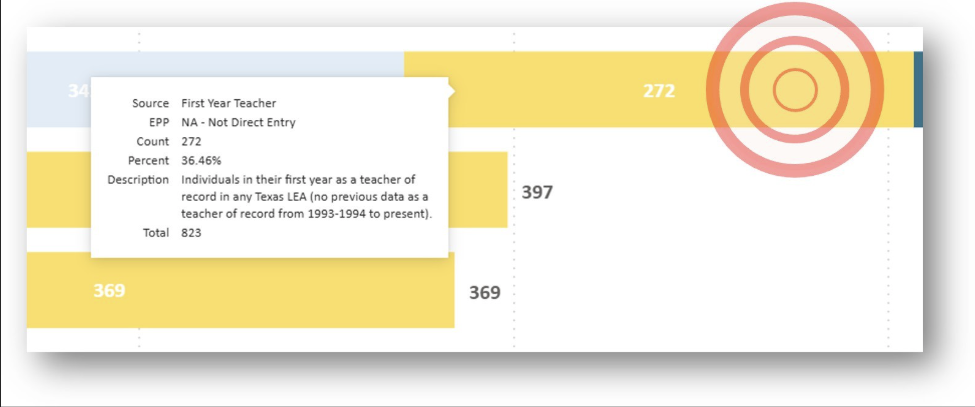
Hover the cursor over a section of the bar graph to view detailed information about the data highlighted.
View Newly Hired Teachers by Certification at Hire
-
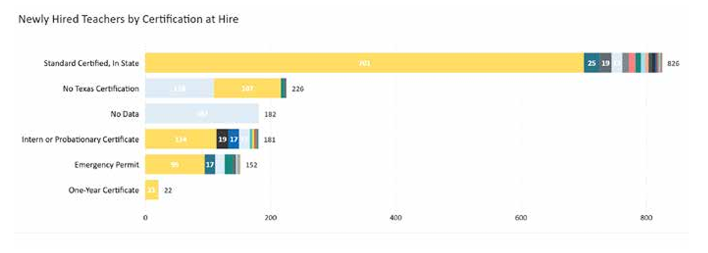
The next visualization under the Summary tab is titled “Newly Hired Teachers by Certification at Hire.” The bar graph indicates the number of certification types of newly hired teachers. Use the filters along the left-hand side to dynamically change the bar graph’s view.
-
Hover the cursor over a section of the bar graph to view detailed information about the data highlighted.
